
Flash POS · Cloud restaurant POS
Sell fast at the counter. Run everything from the cloud.
Flash POS is the register your team will love and the cloud back office you need. Lightning-fast selling on Windows, even with no internet — while sales, products and staff stay in sync across every branch.
- Works offline
- Cloud sync every 20 s
- Arabic & English

Offline at the counter · online everywhere else
The best of both worlds
Never stop selling
Every sale is saved on the register first. Internet down? Keep taking orders, printing tickets and cashing out — everything uploads by itself when the connection is back.
Your restaurant in the cloud
Products, prices, taxes, employees and floor plans live in your cloud back office. Change them once, every register updates automatically.
Manage from anywhere
Check sessions and sales, approve sensitive actions and update the menu from your laptop or phone — wherever you are.
Always in sync. Background sync every 20 seconds. Orders are uploaded once and only once — never lost, never duplicated.
Everything at the counter
Built for real restaurant rush hours
Sell

Floors & tables
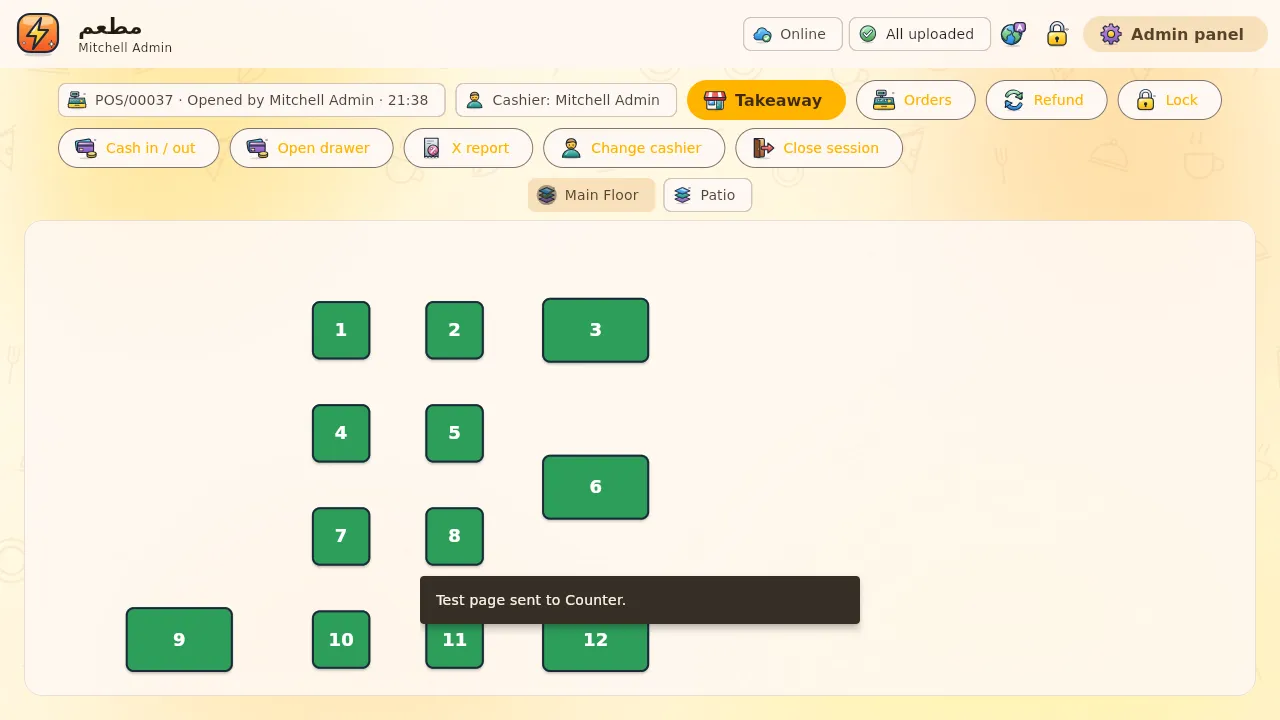
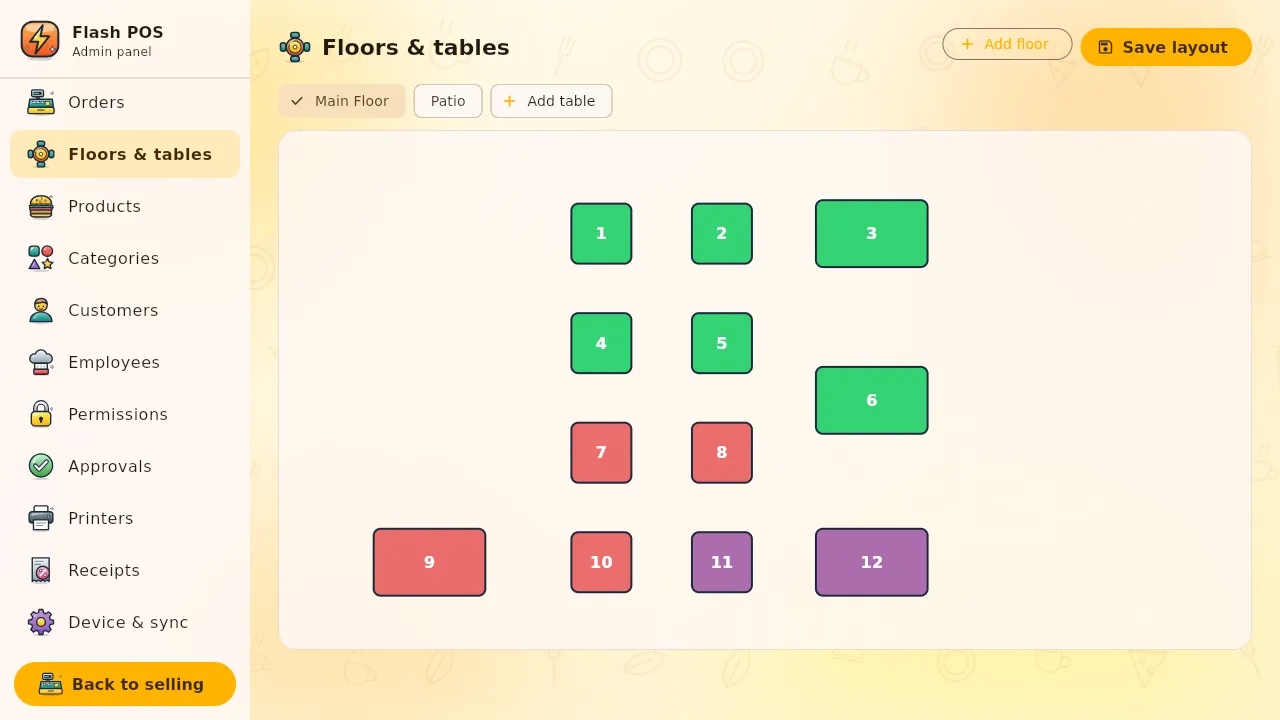
Your real floor plan with live totals on busy tables; takeaway in one tap.

Lightning-fast orders
Big product tiles, categories, search and barcode scanning.

Every way to pay
Cash and card methods, split-friendly payment screen, change in cash.
Kitchen & print

Smart kitchen tickets
Only what changed goes to the kitchen, routed by category to the right printer.

Perfect receipts
Network or USB printers, your logo, flawless Arabic and editable templates.

Tax-ready receipts
Accurate tax & rounding with the ZATCA QR code (phase 1) on every receipt.
Control

Staff PINs & approvals
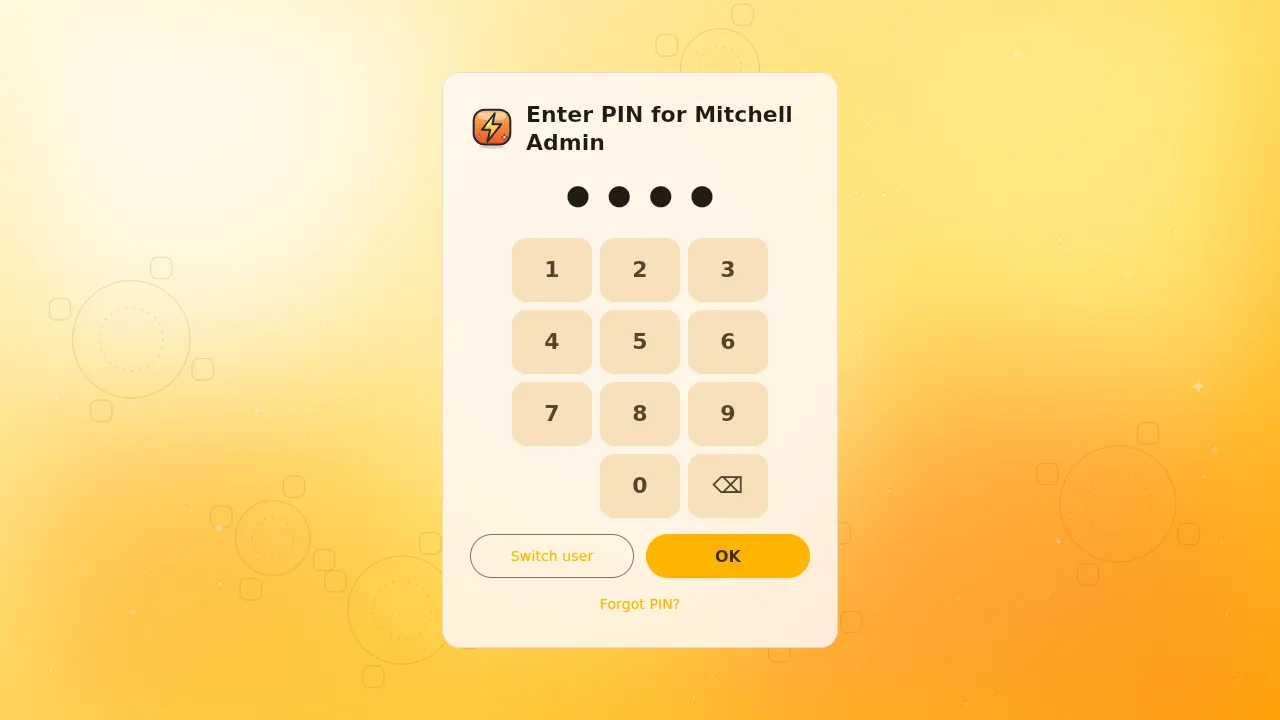
PIN or badge login, auto-lock, and manager approval — on site or remotely — for refunds and sensitive actions.

Cash control & reports
Cash in/out with reasons, counted-cash closing and X/Z reports printed and saved as PDF.

Roles & permissions
Cashiers sell, managers manage — each employee sees exactly what they should.
What you get
Everything you need to go live
The Flash POS app
A polished Windows app with a one-click installer and automatic updates.
Cloud back office
Your secure cloud server for products, staff, branches, reports and backups.
Device setup in minutes
Pair each register with a secure setup file — no passwords typed at the counter.
Printer & drawer setup
Receipt and kitchen printers discovered automatically and tested before saving.
QR ordering ready
Connect FlashMenus and table orders land straight on the register.
Bilingual by design
Arabic and English everywhere: screens, receipts and reports.
Designed for speed — and smiles
Better together
Add FlashMenus: guests order, Flash POS receives
Guests scan the QR code on their table, choose from a beautiful menu and tap “Send to cashier”. The order appears on Flash POS with its table, options and notes — and the guest watches it move from accepted to ready.
- Table orders without extra staff
- Sold-out items hidden from the menu automatically
- One family, one login, one bright ⚡
Ready to make your counter flash?
Start with FlashMenus for free today and switch on Flash POS when you're ready.